

The Mint-Green Cast
We want Chinese landscape colour: low saturation, warm and cool contrast, ivory light, and soft pastel petals against quiet ground.
Our midday frame had a mint-green cast instead. It looked like mint toothpaste. We isolated each part of the scene in Play mode to see how much we could correct through volume grading without repainting textures.
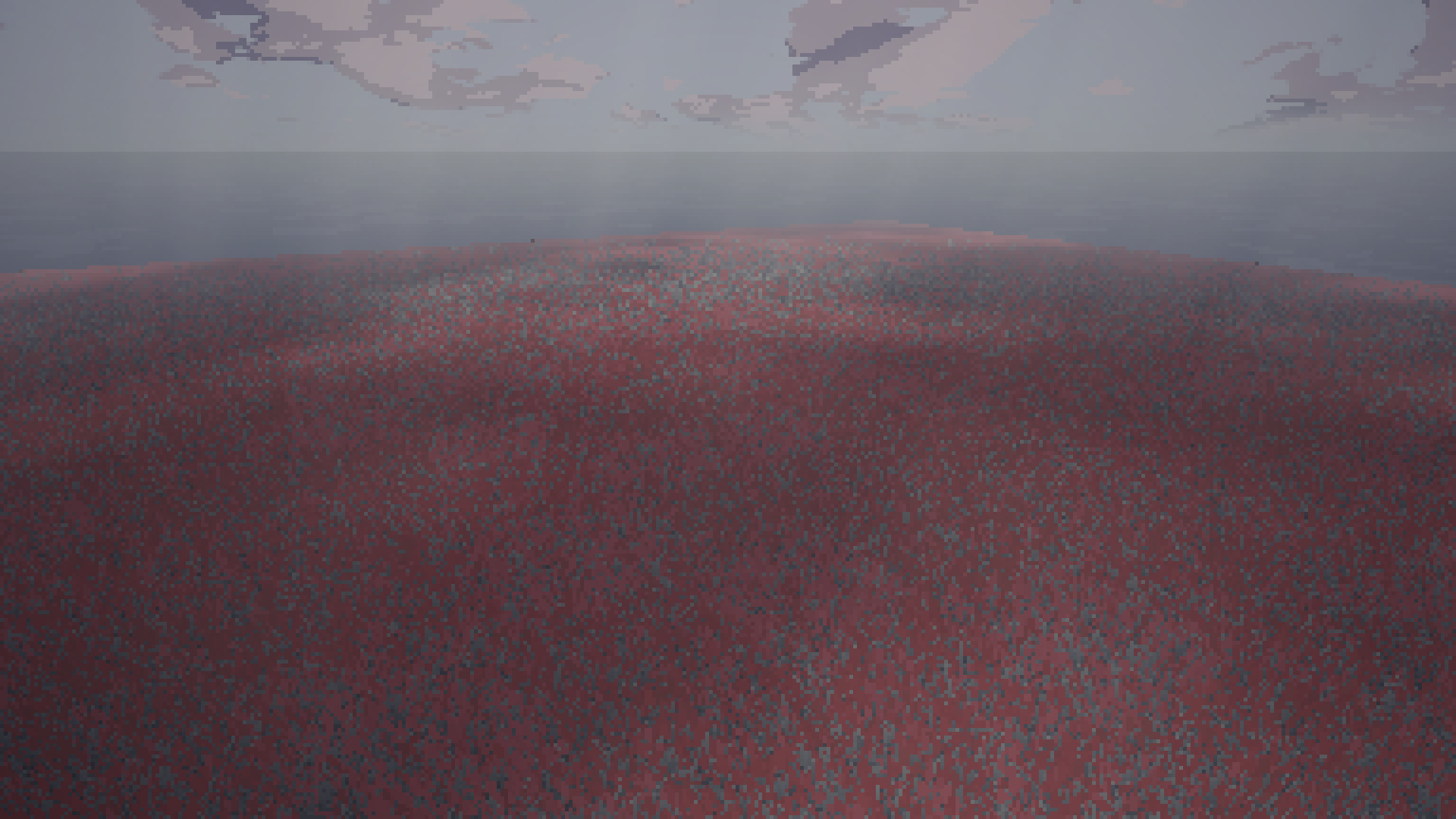
The Light, Not the Grade
Post-processing volume overrides were not the cause. The green cast came directly from three scene light values:
Midday ambient light: Was mint #8ABEA7, changed to warm paper grey #A8ADA4.
Midday directional sun: Was green-white #E9F6D7, changed to champagne #FFF4E4.
Terrain grass tint: Was saturated green #5C9440, changed to grey-green #7E9078.
Volume settings barely moved. We lifted saturation from -15 to -10, set the colour filter to ivory #FAF8F5, and lowered bloom intensity from 1.0 to 0.35. The sky renders a soft mauve through the channel mixer, while every flower petal set reads cleanly against the grass.
The Background Tick Trap
Testing uncovered a quiet editor issue.
When Unity sits in the background, the game loop stops ticking and frame counts freeze. Our day-night script never updated its volumes. The night grading volume sat at a weight of 1.0 at noon, stacking -40 saturation on midday test captures and turning them slate-grey. The capture tools now force explicit profile weights.

